



Kaata Zero — the best way to pass time!
Also known as Tic Tac Toe — play vs computer or a friend on Windows.
Free Download — Version 2.0.0.0
| Website Name | Download | Version | Downloads |
|---|---|---|---|
| VersionPB | Free Download Kaata Zero v2.0.0.0 | 2.0.0.0 Latest | 115 |
| VersionPB | Download v1.0.0.0 | 1.0.0.0 | 2,339 |
| itch.io | 2.0.0.0 Latest | 0 | |
|
|
|
2.0.0.0 Latest |

|
Watch Kaata Zero in Action
See gameplay, color themes, and AI difficulty levels in this short demo. Watch on YouTube or download free below.
Screenshots
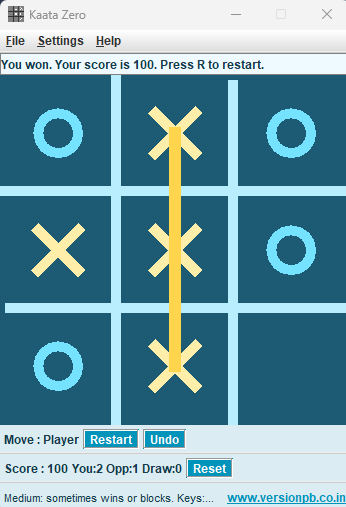
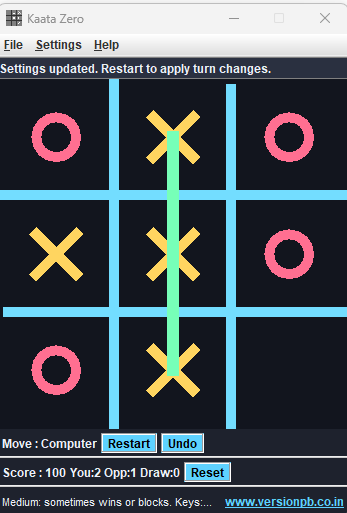
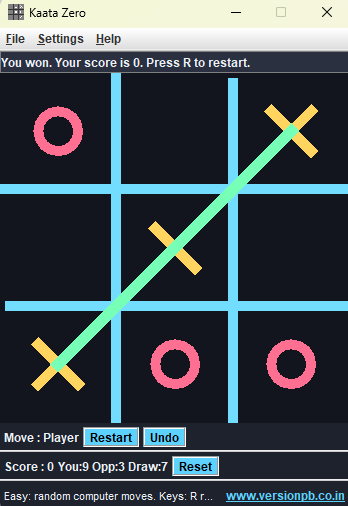
Five color themes, scoring, winning-line highlights, and a clean desktop interface. Click any image to view full size.
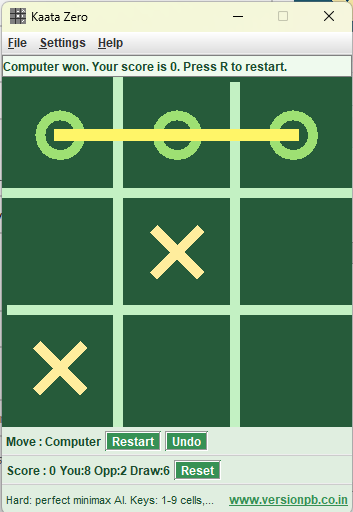
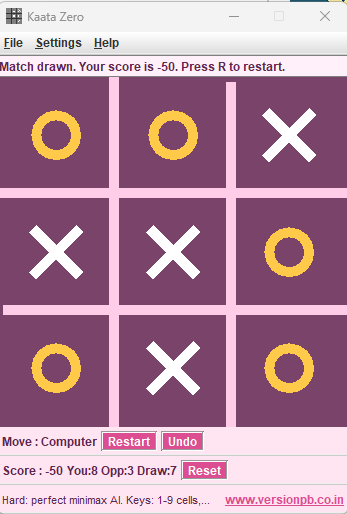
About Kaata Zero
Kaata Zero is a Java Swing Tic-Tac-Toe game for Windows. Play on a classic 3×3 grid against the computer or with a friend on the same machine. The human plays X and the computer plays O in single-player mode.
Kaata Zero is also known as Tic Tac Toe — the famous paper-and-pencil game where two players take turns marking spaces until one gets three in a row horizontally, vertically, or diagonally. Read more on Wikipedia.
What’s New in 2.0.0.0
- Player vs Computer with Easy, Medium, and Hard AI (random, tactical, and minimax)
- 2 Player mode — two people alternate on one board
- Five color skins — Classic, Midnight, Ocean, Forest, and Candy
- Scoring system — Easy win +50, Medium +100, Hard +200; draw −50; loss resets score
- Winning-line highlight, restart, undo, and reset controls
- Keyboard shortcuts — play cells with 1–9; R restart, U undo, S reset, Esc quit
- Session & persistent stats — wins, losses, and draws saved across launches
- Settings dialog — mode, difficulty, who starts, sound, and skin preferences
- In-window results — no popup dialogs; status bar shows match outcome
- Help menu — rules, shortcuts, and difficulty behaviour built in
How to Play
- Launch KaataZero.exe or KaataZero.jar
- Click Play on the splash screen
- Open Settings > Game Settings to choose mode, difficulty, starter, skin, and sound
- Click an empty cell to place your mark
- Get three marks in a row to win
Keyboard Shortcuts
| Key | Action |
|---|---|
| 1 – 9 | Play the matching board cell (top-left = 1, bottom-right = 9) |
| R | Restart the current game |
| U | Undo the latest move |
| S | Reset score and session history |
| Esc | Exit the application |
Board Cell Layout
1 | 2 | 3
---------
4 | 5 | 6
---------
7 | 8 | 9
Requirements
- Windows
- Java Runtime Environment (JRE) 1.8 or newer
Software Details
Current Version : 2.0.0.0
Release Date : 4th July 2026
Serial Number : 202607040000020
OS Support : Windows (JRE 1.8+)
Author : Paarth Batra
Website : https://versionpb.co.in
GitHub : github.com/PaarthBatra/KaataZero